
Lottery ticket scanner for Android
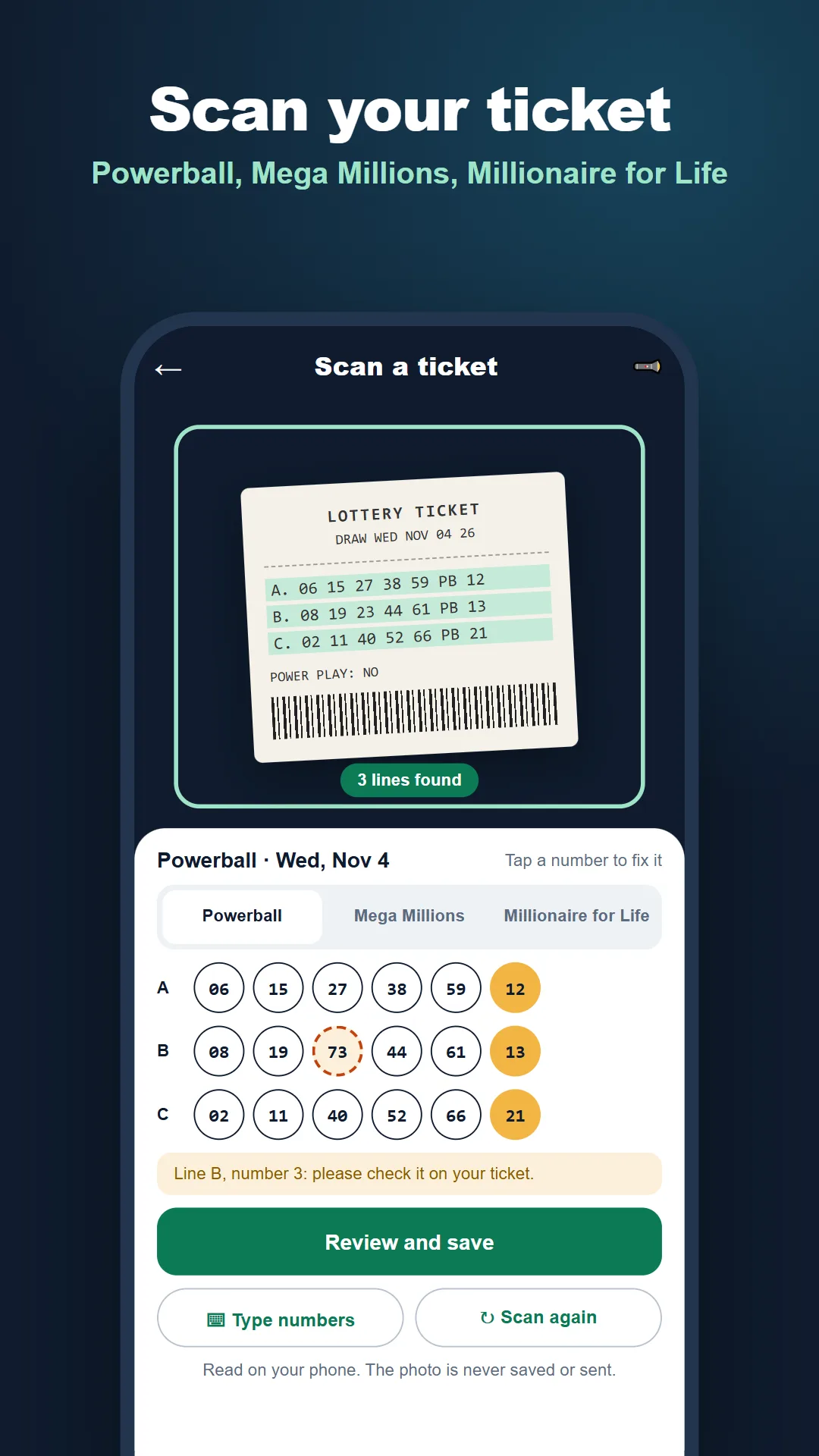
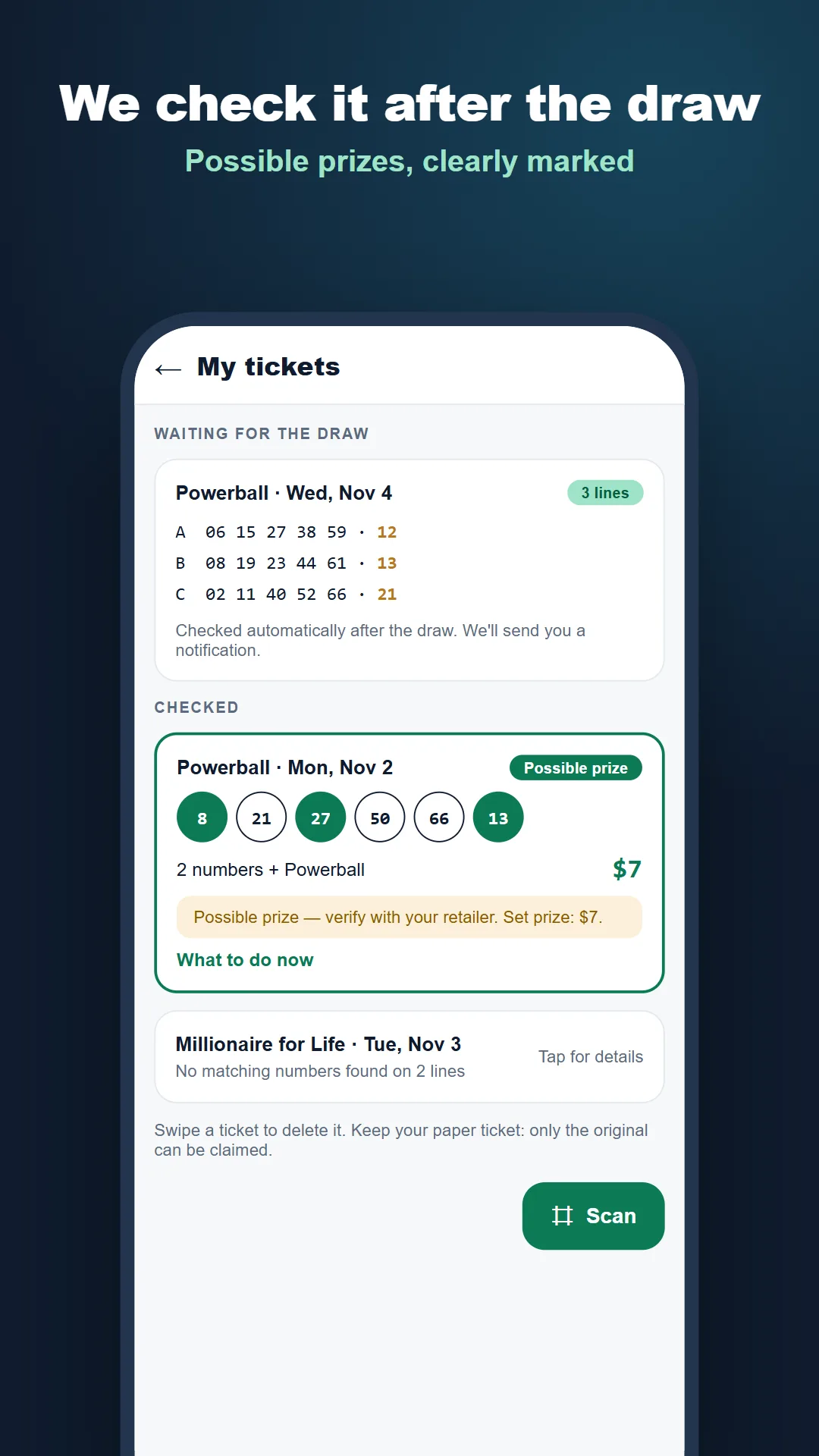
Scan a Powerball, Mega Millions, or Millionaire for Life ticket. Review the numbers the camera picked up, save the ticket, and check it against the draw.
Get it on Google PlayHave one line to check now? Enter your numbers in the web checker.
How to scan and check a ticket
Get alerts and estimate your payout
Turn on jackpot alerts for the games you follow and choose a threshold. The app also includes a state tax calculator. On the web you can estimate your jackpot after taxes or compare a lump sum with 30 annuity payments.
What happens to the ticket image?
The scanner reads the printed numbers on your phone. The app saves the ticket details you confirm and keeps them on your device. Read the app privacy policy and terms of use.